Learn how your Tealium account organizes tag management and server-side configuration into profiles, and how saved changes become live.
Your organization has one Tealium account. Inside the account, profiles hold your configuration. Tag management and server-side features use separate profiles, and each type has its own versions and publishing.
Profiles store your configuration
An account profile is the configuration for a website, a mobile application, a region, or a brand within your account.

Server-side profiles
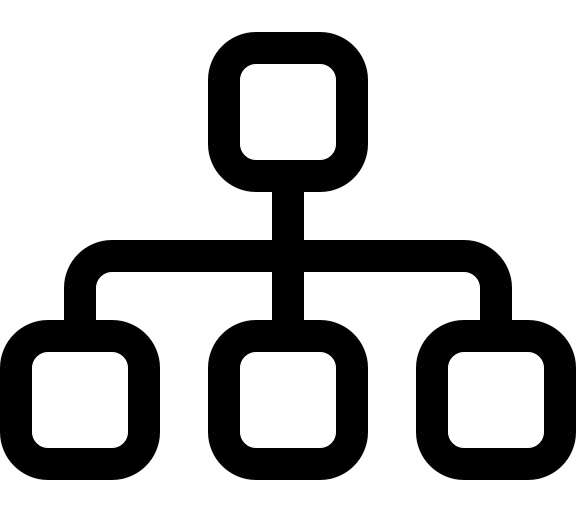
A server-side profile receives events from all your data sources, including websites, mobile apps, servers, and files. Several tag management profiles can send data to one server-side profile, so all your websites and apps build one set of visitor profiles. The server-side profile holds your data sources, attributes, audiences, connectors, and functions.
Tag management profiles
A tag management profile usually corresponds to one website, a group of websites with the same tagging needs, or one mobile app. The profile holds the tags and the data layer for that website or app.
When you save changes to a tag management profile, Tealium creates a new version. Publishing a version regenerates the profile files and makes your changes available in an environment. Each profile has three default environments: Dev, QA, and Prod. Test changes in Dev or QA before you publish to Prod.
This page was last updated: October 27, 2026