This article describes how to add an enrichment.
Enrichments are added to attributes as a way to customize their values. Find the attribute you want to enrich and complete the following steps:
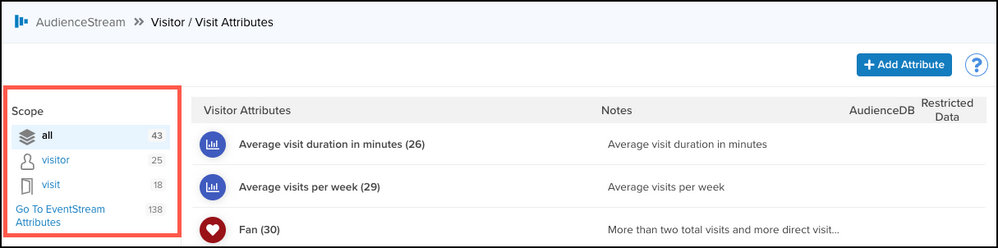
From the left navigation bar, go to Transform > Visitor / Visit Attributes to view your attributes. You can optionally filter your view by clicking on any the available options on the left. Click an attribute to view its details.
In the Add Attribute dialog, click Add Enrichment and select the enrichment you want.
The settings vary depending on the kind of enrichment.
See enrichment details below for additional information.Select WHEN to trigger the enrichment. This controls the timing of the enrichment.
- New Visitor – Occurs the first time a visitor comes to your site.
- New Visit – Occurs on a new visit by a visitor.
- Any Event – Occurs on any event.
- Visit Ended – Occurs when a visit ends, based on the following time of inactivity:
- Web sessions: 30 minutes (10 minutes if only one event is received)
- Mobile App sessions: 2 minutes
- Omnichannel sessions: 1 minute
Select an existing Rule condition or create a new rule. For more information, see About enrichment rules.
Click Finish.
Save and publish your profile to apply the changes.
This page was last updated: June 23, 2026